How to Resolve Laser Marking Machine Error Codes Efficiently?

Time:2026-06-30 Author:Aria
0%

Laser marking machines are vital tools in many industries. They help with precision marking on various materials. However, errors can occur, causing frustration. Knowing how to clear laser marking machine error codes is crucial for efficient operation.

Understanding these error codes is essential. Each code represents a specific issue. For example, a '404' code may indicate a connection problem. Sometimes, operators overlook simple fixes. This can lead to prolonged downtime, affecting productivity.

Resolving these errors requires a systematic approach. Familiarizing yourself with the machine's manual is important. It provides detailed explanations of common codes. Implementing a quick troubleshooting checklist can save time. Keeping your workspace organized can also help you pinpoint issues faster. Don't underestimate the importance of regular maintenance. It's a small step that can prevent many errors. Addressing these challenges effectively enhances reliability and keeps operations running smoothly.
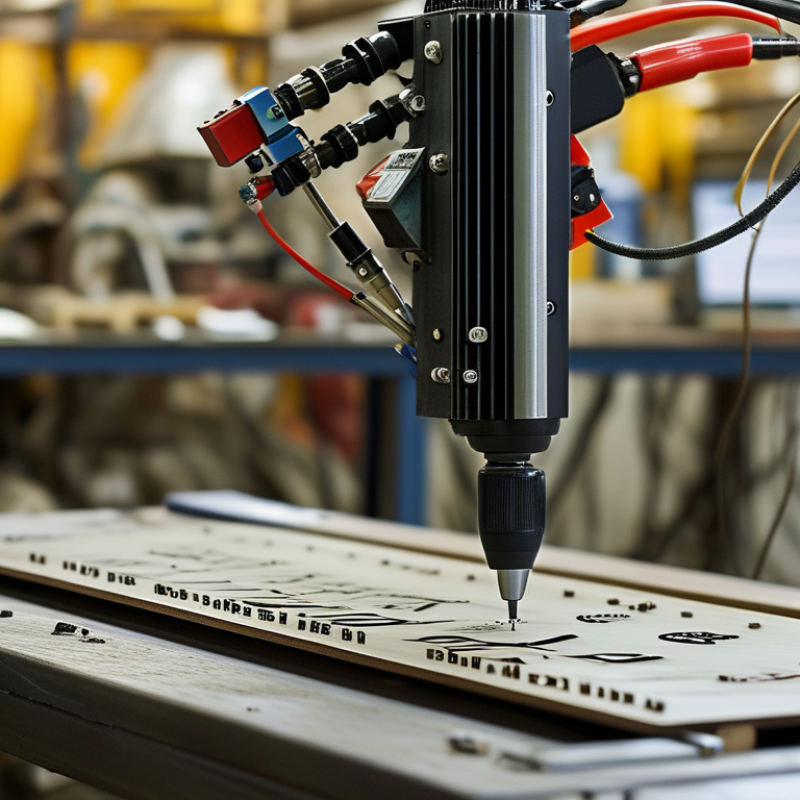
How to Resolve Laser Marking Machine Error Codes Efficiently?

Understanding Common Laser Marking Machine Error Codes

Laser marking machines can encounter various error codes during operation. Understanding these codes is essential for efficient troubleshooting. Common errors often relate to improper settings, mechanical issues, or software malfunctions. For instance, an 'Overheat' warning may indicate a lack of ventilation. If the machine becomes too hot, it can malfunction or even cause permanent damage.

Some error codes are more perplexing than others. A misalignment error often arises from a poorly set focus or lens. Users frequently overlook checking the alignment, thinking it is a minor issue. However, failing to address it can lead to inconsistent markings and waste of materials. Additionally, software-related errors can stem from outdated firmware. Regularly updating software is vital to ensure smooth operation.

Regular maintenance is crucial in preventing these errors. Users must clean lenses and check for dust accumulation on sensors. Ignoring these tasks can escalate simple problems into significant ones. Laser marking machines are complex, and understanding error codes requires patience and continuous learning. Reflection on previous error occurrences can lead to improved handling in the future. Errors are part of the learning process; analyzing them helps enhance efficiency and machine performance.

Step-by-Step Troubleshooting Process for Error Codes

Laser marking machines are integral in various industries, but they can sometimes display error codes. Understanding these codes is essential for quick troubleshooting. Common codes often relate to improper settings or mechanical issues.

Begin by checking the machine's user manual for specific error definitions. Many errors can stem from loose cables or misaligned components. According to a recent industry report, approximately 40% of error codes arise from connectivity problems. Use a multimeter to assess electrical connections, ensuring everything is secure.

Tips: Regular maintenance is crucial. Clean lenses and check for signs of wear. Keeping components in good condition reduces errors significantly. If you encounter persistent issues, consider consulting a professional technician. They can provide insights that might not be evident.

Address software-related errors by updating the firmware. Many users overlook this step, but outdated software can create compatibility issues and trigger errors. A study shows that nearly 30% of errors relate to software factors. Review the settings thoroughly before assuming there’s a hardware failure.

How to Resolve Laser Marking Machine Error Codes Efficiently? - Step-by-Step Troubleshooting Process for Error Codes

Error Code Possible Cause Troubleshooting Steps Resolution
E01 Power Supply Failure Check power connections and ensure stability Repair or replace the power supply
E02 Laser Not Firing Inspect laser tube and connections Replace or reconnect laser components
E03 Cooling System Error Check coolant levels and pump functionality Refill coolant and ensure pump is operational
E04 Software Communication Issue Verify software drivers and connections Update or reinstall drivers
E05 Reflector Misalignment Check for physical obstructions and alignment Realign or clean reflector

Tools Required for Identifying and Resolving Errors

When dealing with laser marking machine error codes, having the right tools is essential. A digital multimeter is invaluable for testing electrical connections. It helps identify issues like faulty wiring or shorts. Additionally, a laptop or computer can be used for diagnostic software, which often provides error details. This software aids in understanding what went wrong.

Calipers and measuring tools come in handy too. They ensure that the machine's alignment is perfect. Misalignment can lead to errors, making precision vital. Having a proper toolkit with screwdrivers and wrenches can facilitate quick adjustments. It’s easy to overlook these tools, yet they play a crucial role in addressing issues promptly.

Documentation is another critical resource. Manufacturer manuals often contain detailed troubleshooting steps. However, they may not address all scenarios. Some errors might be unique, requiring outside-the-box thinking. Regular monitoring and logging of errors can reveal patterns. This proactive approach can help in pinpointing persistent problems and lead to more efficient resolutions.

Preventive Maintenance Tips to Avoid Future Errors

Regular preventive maintenance is key to the efficient operation of laser marking machines. This practice not only helps in minimizing error codes but also extends the life of the equipment. Owners should create a schedule to check key components regularly. Cleaning the lenses and mirrors ensures optimal performance. Dust and residue can cause focus issues, leading to marking errors.

Another essential tip is to monitor the overall system performance. Regularly inspect for any unusual sounds or vibrations. These signs could indicate wear or misalignment. Addressing these issues early can save both time and money. Operators should also keep an eye on the software updates. Outdated software may lead to compatibility issues and operational errors.

Lastly, training staff on proper usage is crucial. Well-informed operators are less likely to make mistakes that lead to errors. They should understand the machine's capabilities and limitations. Encourage team members to document any irregularities or error codes for future reference. This practice can create a knowledge base that helps in troubleshooting.

When to Seek Professional Help for Persistent Issues

When dealing with persistent issues in laser marking machines, seeking professional help becomes essential. According to a recent industry report by the International Laser Technology Association (ILTA), around 30% of machine failures stem from factors that require specialized knowledge for proper diagnosis. The cost of improper repairs can escalate quickly, leading to downtime that significantly impacts productivity.

It's crucial to recognize when a problem is beyond basic troubleshooting. A survey conducted by the Lasers and Applications Research Consortium revealed that 45% of operators admit to facing recurring errors despite following standard procedures. This may signal deeper issues such as software glitches or mechanical wear, which often require expert intervention. Professionals can analyze data logs and conduct tests that are not feasible for most operators.

Moreover, even seemingly simple errors can mask underlying complexities. The Society of Manufacturing Engineers notes that misalignment can often be traced back to unnoticed wear in components. Ignoring these signs may lead to costly mistakes later on. Consulting with experts not only speeds up the resolution of complex errors, but also enhances overall machine longevity and performance. With the correct guidance, operators can better understand their equipment and prevent future problems more effectively.

Laser Marking Machine Error Codes

This chart displays the frequency of various error codes encountered in laser marking machines. Understanding these error codes can help in diagnosing and resolving issues more efficiently.

FAQS

: What tools are essential for troubleshooting laser marking machine errors?

: A digital multimeter is vital for testing electrical connections. A laptop helps with diagnostic software.

How can misalignment affect a laser marking machine?

Misalignment can lead to errors, making precision crucial for accurate marking.

Why is keeping documentation important for error resolution?

Manufacturer manuals provide troubleshooting steps, but may not cover all scenarios.

What is one proactive approach to identify errors in laser marking machines?

Regular monitoring and logging of errors can reveal patterns and help pinpoint issues.

How does preventive maintenance benefit laser marking machines?

It minimizes error codes and extends the equipment's lifespan through regular checks.

What should operators regularly inspect in laser marking machines?

Unusual sounds or vibrations may indicate wear or misalignment that needs addressing.

How does training staff impact error rates?

Well-informed operators make fewer mistakes, understanding machine capabilities and limitations better.

What can dust and residue on lenses cause?

They can lead to focus issues, resulting in marking errors that impact production quality.

Why is it important to monitor software updates?

Outdated software might cause compatibility issues and operational errors within the machine.

What role does documentation of irregularities play?

It creates a knowledge base for troubleshooting, helping avoid repeat errors in the future.

Conclusion

This article provides a comprehensive guide on how to clear laser marking machine error codes efficiently. It begins with an overview of common error codes encountered by operators, facilitating a better understanding of the issues at hand. A detailed step-by-step troubleshooting process is outlined, allowing users to systematically diagnose and fix problems with their machines.

Additionally, the article highlights essential tools required for identifying and resolving errors, ensuring that users are well-equipped for effective maintenance. Preventive maintenance tips are also offered to help users avoid future errors, promoting long-term reliability of the equipment. Lastly, guidance on when to seek professional help for persistent issues is included, ensuring that operators know when it's time to reach out for expert assistance.

Aria

Aria

Aria is a dedicated marketing professional with a deep passion for innovative strategies and a keen understanding of our company's product offerings. With a wealth of experience in the industry, Aria excels at crafting engaging content that highlights the unique features and benefits of our......